
AI Productivity Training Classes @ Computer Coach
Tampa Bay's only program that teaches Microsoft Office, Google Workspace and AI together — so you build real, job-ready skills from day one.
88 hours. 7 modules. Immediate results.
What Is the AI Office Productivity Specialist Program?
Most professionals use Microsoft Office or Google Workspace every day. However, most of them use only a fraction of what it can actually do.
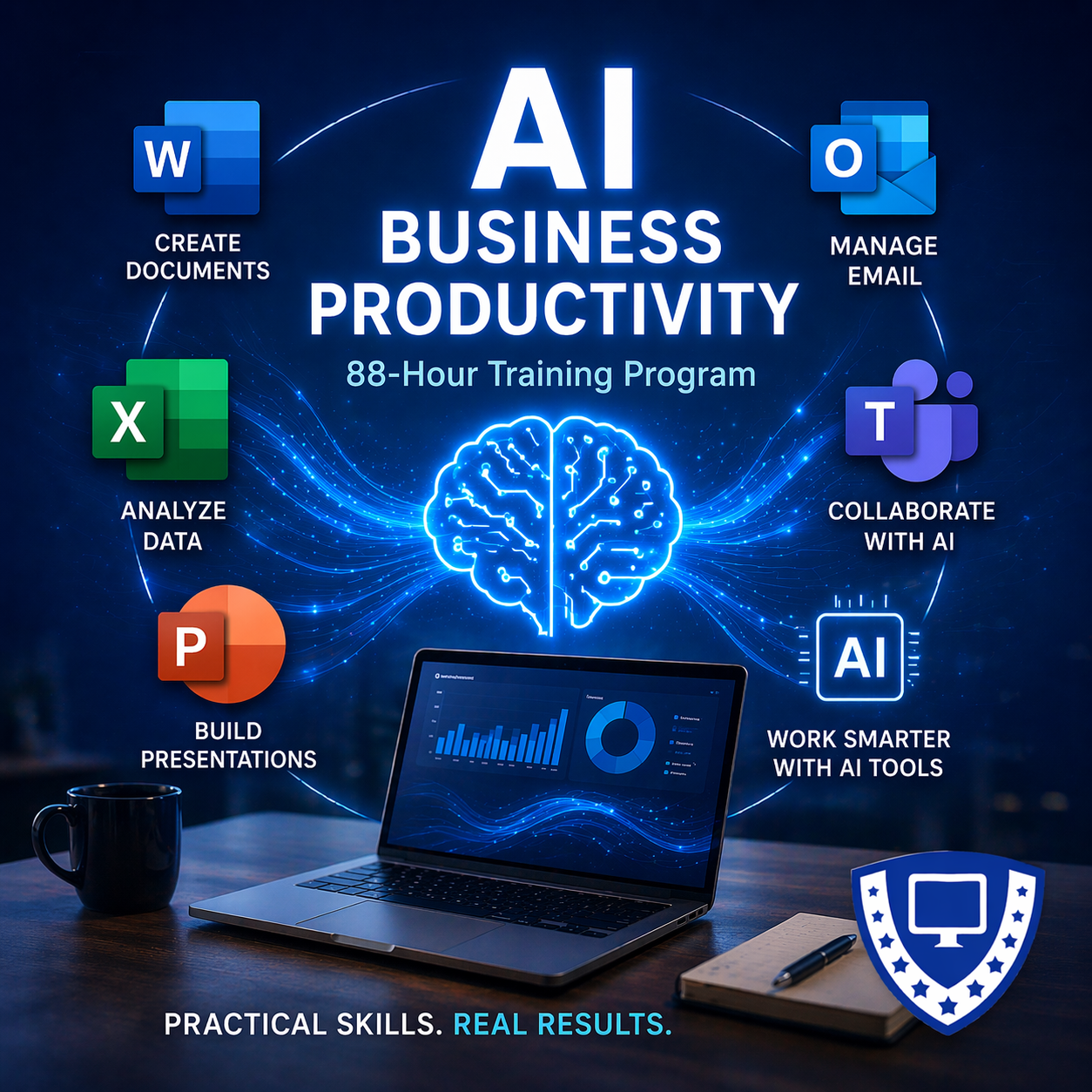
This program changes that — and then takes it further. The AI Office Productivity Specialist program is an 88-hour, live, instructor-led, online training program that teaches you to master Microsoft Word, Excel, PowerPoint, Outlook, and Google Workspace. Furthermore, it layers in AI tools at every step so you work faster, smarter, and at a level most professionals never reach.
Every module follows the same proven structure: first, you learn the tool. Next, you apply the skill. Then, you repeat it with variation, apply it in a real business context, enhance it with AI, and evaluate the output. As a result, you don't just watch — you practice, you build, and you get measurably better.
By the end of this program, you will have skills that are immediately visible and immediately valuable in any workplace.
Don't let AI affect your career. Take control of your future and Master AI and Microsoft Office with the Business Office Specialist - AI Enhanced program.
Who Is This Program For?
Professionals Who Want to Work Smarter
- You use Office every day, yet you know you're not using it to its full potential. This program closes that gap — completely. Moreover, it gives you the AI skills to stay ahead of every change coming next.
- Employers expect Office proficiency. However, AI fluency is now the differentiator that gets you hired over everyone else. This certification gives you both — in one program.
- Your people are spending too much time on tasks that AI and Office automation can handle in minutes. Consequently, your organization is losing productivity every day. This program is available for private group training, customized to your industry and your workflows.
- Federal and state agencies require AI fluency. In addition, the OPM mandate makes AI training a professional obligation for government employees. This program meets that requirement and delivers the practical Office skills that make you more effective immediately.
- This program is designed to take you from fundamentals all the way through advanced AI-enhanced workflows. Therefore, no prior Office or AI experience is required — just a willingness to learn and practice.
What You'll Learn
OS + AI Foundations
Before you touch Office, you build the foundation. In this module, you master Windows navigation, file management, shortcuts, and folder systems — so everything that follows is faster and cleaner.
Next, you get your first hands-on introduction to AI in business. Specifically, you learn how AI tools work, how to write prompts that deliver professional results, and how to apply AI immediately to real business tasks such as email writing and summarization. As a result, you enter every subsequent module already thinking with an AI-enhanced mindset.
Word + Docs + AI Document Creation
In this module, you move from the Word interface to professional business document production — and you use AI to enhance every step along the way.
First, you master formatting, structured layouts, headers, and sections. Then, you practice editing and rewriting for tone and clarity. Finally, you produce full business documents, including reports, SOPs, and templates from scratch. Throughout each session, AI drafting and AI comparison exercises show you exactly where AI accelerates your work — and where your professional judgment still leads.
Excel + Sheets + AI Data Skills
This is the most in-depth module in the program — because spreadsheets are where most professionals leave the most time and money on the table.
Over several sessions, you build from Excel fundamentals through core formulas, advanced formulas, data cleaning, data analysis, and automation. Additionally, every session includes real datasets, hands-on practice, and AI-assisted formula building. By the end of this module, you can build dashboards, analyze data confidently, and automate repetitive tasks that previously took hours.
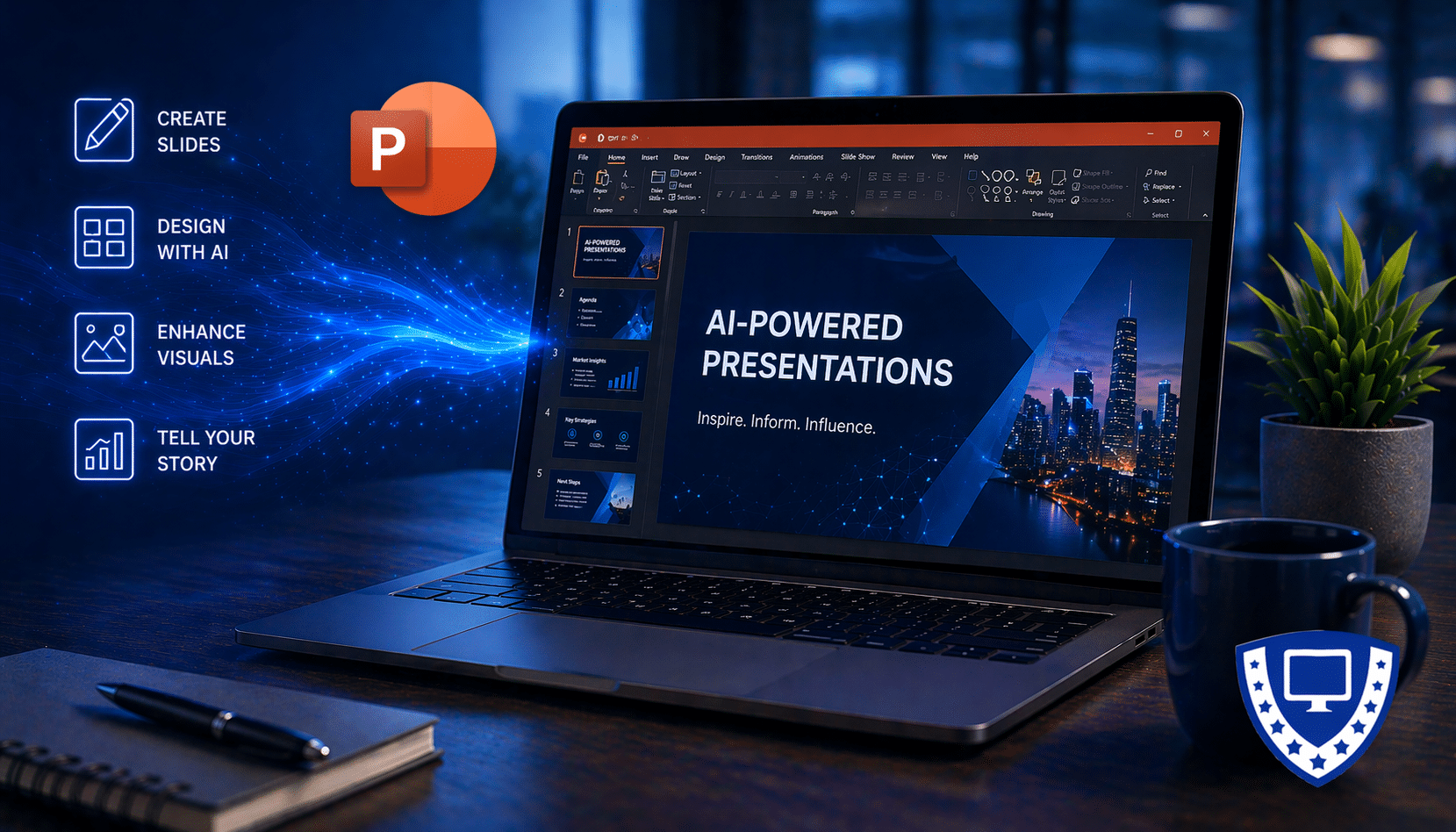
PowerPoint + Slides + AI Presentation
In this module, you learn to build presentations that actually communicate — not just slides filled with bullet points.
First, you cover design fundamentals and slide structure. Then, you use AI-assisted slide creation to work faster and more creatively. Finally, you apply the storytelling frameworks that make presentations persuasive and memorable. Throughout all three sessions, you build and refine real presentations so that you finish with both a skill and a finished product.
Graphic + Visual Design + AI
Professional communication requires professional visuals. In this session, you learn to create graphics and presentation visuals using Canva's AI-powered design tools. As a result, your documents and presentations look as polished as their content — without needing a design background.
Outlook + Gmail + AI Communication
Most professionals spend a significant portion of their day inside Outlook. Consequently, this module focuses on making that time more productive and less draining.
Over two sessions, you master Outlook fundamentals and AI-enhanced communication — including email writing, inbox management, meeting communication, and AI-generated summaries. By the end of this module, you will spend less time in your inbox and communicate more effectively across every channel.
AI Integration + Automation + Capstone
The final module brings everything together. First, you work through workflow integration across all tools. Then, you complete a full capstone project that demonstrates your complete skill set. Finally, you apply every module — Word, Excel, PowerPoint, Outlook, Canva, and AI — working together the way they do in a real professional environment. As a result, you finish the program not just with a certification, but with demonstrated, practical mastery.
Already Know Microsoft Office?
If you already use Word, Excel, PowerPoint, Outlook, or Google Workspace with confidence, you don't need to start here. Instead, you're ready to add AI directly on top of the skills you already have. We offer two programs built specifically for experienced Office or Google Workspace users:
A broader AI productivity certification covering multiple platforms and use cases. Perfect for professionals who want to lead AI adoption in their organization or be at the top of AI use for professionals. Learn More →
Learn to use the AI assistant built directly into Microsoft 365. Ideal for professionals who want to work faster with the tools they already know. Learn More →
Not sure which program is right for you? Call us at (813) 947-0552, and a Training Advisor will help you choose.
Prefer to talk with someone? Call to speak with a Training Advisor at (813) 947-0552
Why Take This Training at Computer Coach?
There is no shortage of online courses, YouTube tutorials, and self-paced platforms that claim to teach Office and AI. However, none of them give you what Computer Coach gives you.
For nearly 40 years, Computer Coach has been Florida's most comprehensive computer training center. In that time, we have trained more than 10,000 professionals — including individuals, Fortune 500 teams, and government agencies. Furthermore, we built this program the way we build every program: around how adults actually learn, with structured practice built into every session and real business application at every step.
This is not a video library. Instead, this is live instruction from expert trainers who answer your questions, push your skills, and make sure you leave every session ready to apply what you learned.
• Nearly 40 years of training Florida professionals
• Over 10,000+ graduates across every industry
• Corporate and government training divisions
• 50+ certifications — including AI credentials
• Featured in Entrepreneur Magazine and Fast Company
• Live expert instructors — not videos, not chatbots, not self-paced guesswork
Program Details
Certificate: AI Office Productivity Specialist
Total Hours: 88 Hours — 7 Modules, 21 Sessions
Format: Live, Online, Instructor-led, or in-person at our Tampa Westshore campus
Skill Level: Beginner to Advanced — designed to take you from foundations to mastery
Prerequisites: Basic computer skills — no prior Office or AI experience required
Available for: Individual enrollment | Private corporate groups | Government agency contracts
Optional Certification: Microsoft Office Specialist
Frequently Asked Questions
Do I need Office or AI experience before I start?
No. The program starts with OS and AI foundations and builds from there. Therefore, if you can use a computer, you are ready to begin.
Is this available for my whole team?
Yes. We offer private group training for organizations of any size. Additionally, we customize the program to your industry, your tools, and your team's specific workflows. Contact us for a quote.
How long does the full program take?
The complete program is 88 hours across 7 modules. However, we offer flexible scheduling options — contact us to find a pace that works for your situation.
Is this certification recognized by employers?
Yes. Demonstrated Microsoft Office proficiency combined with verified AI skills is one of the most in-demand combinations in today's job market. As a result, this certification signals immediate value to any employer.
What if I already know Office well?
In that case, you may be better served by our Microsoft Copilot Training or our Certified AI Power User program — both are designed for experienced Office users who want to add AI skills now. Call us, and we'll point you in the right direction.
How is this different from a self-paced online course?
Live instruction, structured practice, real feedback, and a capstone project that proves your skills. Self-paced courses give you information. We build your ability to perform.
Achieve Your Goals with our Proven 3-Step Process
Schedule a Free, No Obligation Training Strategy Session.

Whether you're looking to switch careers or take the next step in your current career, our certified career coaches & strategists can help you explore a wide range of possibilities and learn how our training courses can help you reach your career goals.
Step 1
Strategy
Session
Uncover new IT and business career possibilities with a free training class strategy session.
Step 2
training
Classes
Start taking our expert-led, hands-on IT classes or business classes designed to drive career growth.
Step 3
Career
Coaching
Participate in our personalized career coaching program to achieve your development goals.
corporate headquarters
5005 N. Hesperides Street
Tampa, Florida 33614
(813) 947-0552

Please note: Not all courses on our site are under the purview of the Florida Commission for Independent Education (CIE) License 5831. Job placement assistance is available to all students. Individual results may vary.
Follow & Connect with Us

PMP® and CAPM® are registered marks of the Project Management Institute, Inc. Cisco and Microsoft are trademarks of their respective companies.